电子邮件提取器 (ZH)

• 100% Free • In-Browser (Private)

电子邮件提取器 帮助您在浏览器中快速获得结果 — 免费且无需注册。

电子邮件提取器 在线工作区

🛡️ 100% In-Browser & Private ⚡ Bulk RFC Regex Engine 📁 Text, CSV, PDF, EML & VCF
🔒 Safe for Corporate & GDPR Data
0 characters · 0 lines
⚡ Try Sample Data:
Drag & Drop Document or File Here
Extracts email addresses from .TXT, .CSV, .TSV, .HTML, .JSON, .EML (Outlook), .VCF, .PDF & Images (.PNG, .JPG, .WebP OCR)
.TXT .CSV .TSV .HTML .EML .VCF .JSON .PDF 📷 Images (.PNG / .JPG / .WebP)
All file processing runs 100% locally in your browser sandbox. No file is sent to external servers.
📞

Combined Email & Phone Number Extractor

Scrape and parse international telephone numbers, mobile phones, and business contact numbers alongside email addresses simultaneously. Perfect for sales prospecting, CRM enrichment, and directory parsing.

🚀 Instant 1-Click Crawler

How to Extract Emails from Any Webpage in Google Chrome

Extract leads without risky third-party extensions that spy on your browsing. Follow the 4 connected steps below:

01
Step 01
Add Bookmarklet

Drag this button to your Chrome or Edge bookmarks bar (Ctrl+Shift+B):

02
Step 02
Open Any Webpage

Browse to any target company directory, blog comment thread, LinkedIn profile text, or HTML document.

03
Step 03
Click to Scrape

Click the bookmarklet in your bookmarks bar. It instantly scans the page DOM, cleans duplicates, and extracts all emails.

04
Step 04
Export & Save Leads

Paste the extracted emails into ToolSphare's workspace below to export as clean CSV, TXT, JSON, or Outlook BCC.

Looking for an official Chrome Extension? Read our full guide below on How to Add an Email Extractor to Chrome safely to prevent privacy risks.
⚙️ Extraction Rules & Filter Options Configure duplicate removal, case rules, and domain filters
📧
0 Total Scanned
✨
0 Unique Emails
🧹
0 Duplicates Cut
📞
0 Phone Numbers
🌐
0 Domains

Extracted Output

0 items
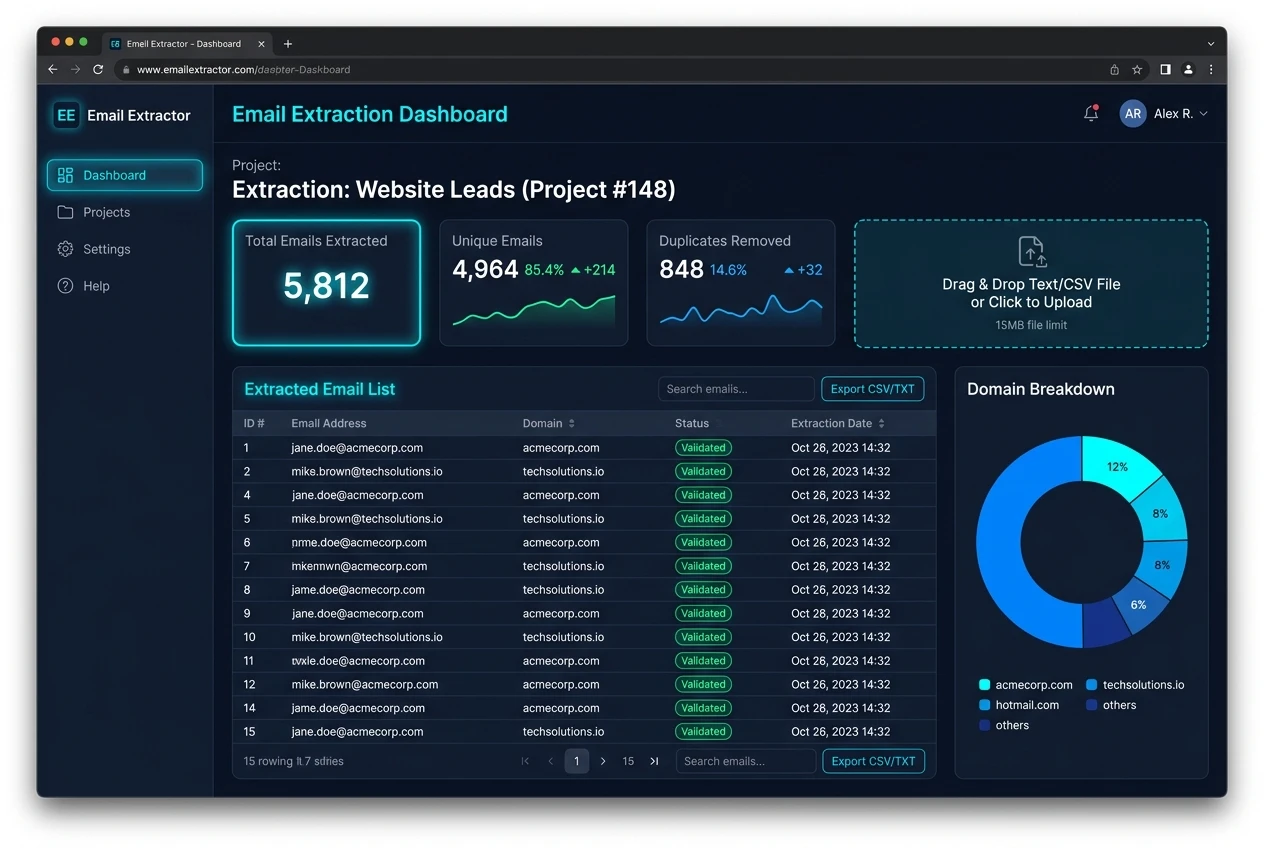
ToolSphare 上免费的 电子邮件提取器 工具的屏幕截图

如何使用 电子邮件提取器

  1. 打开工具并添加输入或文件。
  2. 按需调整选项,然后运行工具。
  3. 复制或下载结果。

电子邮件提取器 功能与特点

  • 尽可能在浏览器中私密处理
  • 免费使用,无需账户
  • 快速结果,可复制或下载
  • 支持桌面和移动浏览器

电子邮件提取器 能做什么

电子邮件提取器 适合无需安装软件的快速 email extractor 类任务。

电子邮件提取器 常见问题解答

这个工具免费吗?

是的。ToolSphare 上的此工具免费,无需账户。

需要注册吗?

不需要。打开工具即可立即开始。

我的文件会上传吗?

许多工具在浏览器中运行,文件通常留在您的设备上。