이메일 추출기 (KO)

• 100% Free • In-Browser (Private)

이메일 추출기를 사용하면 가입 없이 무료로 브라우저에서 빠르게 결과를 얻을 수 있습니다.

이메일 추출기 온라인 작업 공간

🛡️ 100% In-Browser & Private ⚡ Bulk RFC Regex Engine 📁 Text, CSV, PDF, EML & VCF
🔒 Safe for Corporate & GDPR Data
0 characters · 0 lines
⚡ Try Sample Data:
Drag & Drop Document or File Here
Extracts email addresses from .TXT, .CSV, .TSV, .HTML, .JSON, .EML (Outlook), .VCF, .PDF & Images (.PNG, .JPG, .WebP OCR)
.TXT .CSV .TSV .HTML .EML .VCF .JSON .PDF 📷 Images (.PNG / .JPG / .WebP)
All file processing runs 100% locally in your browser sandbox. No file is sent to external servers.
📞

Combined Email & Phone Number Extractor

Scrape and parse international telephone numbers, mobile phones, and business contact numbers alongside email addresses simultaneously. Perfect for sales prospecting, CRM enrichment, and directory parsing.

🚀 Instant 1-Click Crawler

How to Extract Emails from Any Webpage in Google Chrome

Extract leads without risky third-party extensions that spy on your browsing. Follow the 4 connected steps below:

01
Step 01
Add Bookmarklet

Drag this button to your Chrome or Edge bookmarks bar (Ctrl+Shift+B):

02
Step 02
Open Any Webpage

Browse to any target company directory, blog comment thread, LinkedIn profile text, or HTML document.

03
Step 03
Click to Scrape

Click the bookmarklet in your bookmarks bar. It instantly scans the page DOM, cleans duplicates, and extracts all emails.

04
Step 04
Export & Save Leads

Paste the extracted emails into ToolSphare's workspace below to export as clean CSV, TXT, JSON, or Outlook BCC.

Looking for an official Chrome Extension? Read our full guide below on How to Add an Email Extractor to Chrome safely to prevent privacy risks.
⚙️ Extraction Rules & Filter Options Configure duplicate removal, case rules, and domain filters
📧
0 Total Scanned
✨
0 Unique Emails
🧹
0 Duplicates Cut
📞
0 Phone Numbers
🌐
0 Domains

Extracted Output

0 items
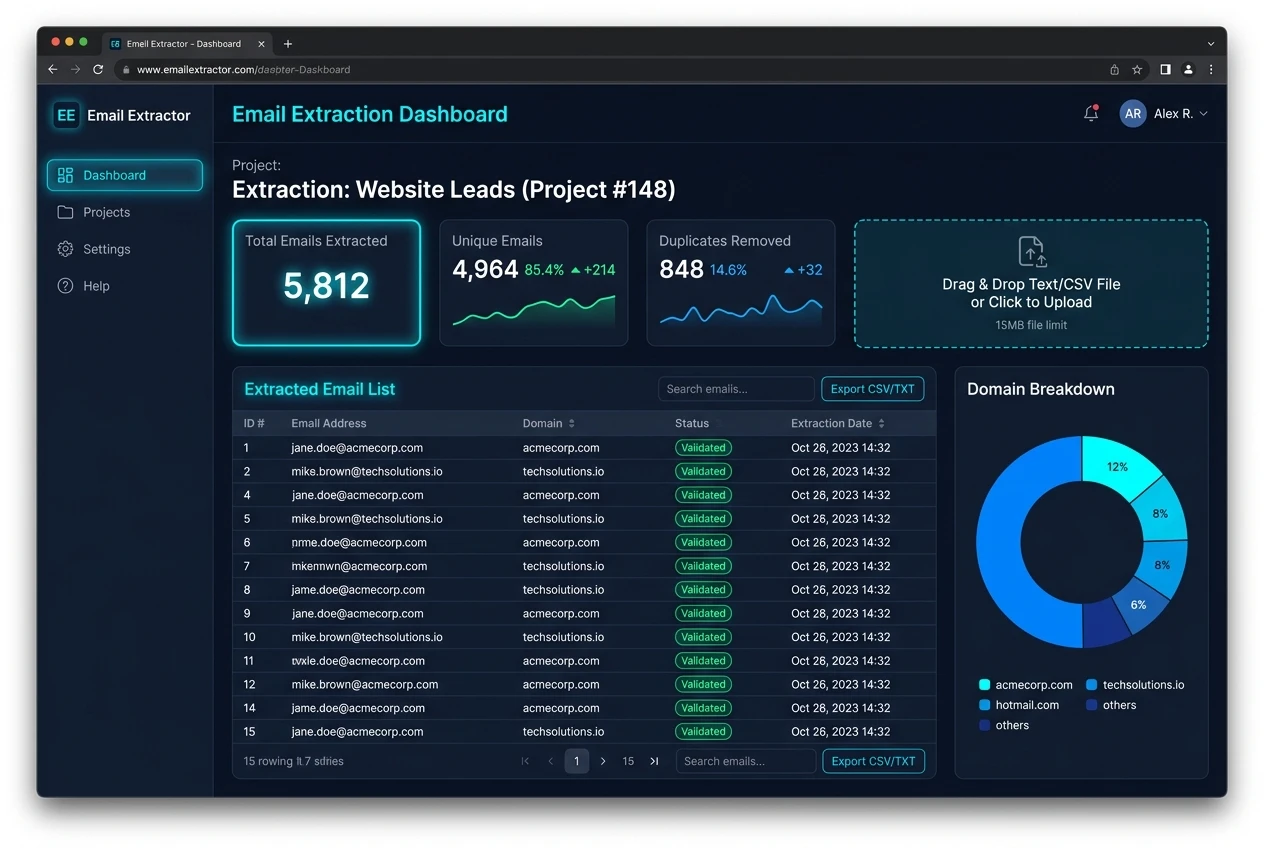
ToolSphare의 무료 이메일 추출기 도구 스크린샷

이메일 추출기 사용 방법

  1. 도구를 열고 입력 또는 파일을 추가합니다.
  2. 필요한 경우 옵션을 조정한 다음 도구를 실행하세요.
  3. 결과를 복사하거나 다운로드하세요.

이메일 추출기 주요 기능 및 특징

  • 가능한 경우 개인 브라우저 기반 처리
  • 계정 필요 없이 무료로 사용 가능
  • 다운로드하거나 복사할 수 있는 빠른 결과
  • 데스크톱 및 모바일 브라우저에서 작동

이메일 추출기이 하는 일

이메일 추출기는 소프트웨어 설치 없이 빠른 email extractor 스타일 작업을 위해 제작되었습니다.

이메일 추출기 자주 묻는 질문 (FAQ)

이 도구는 무료인가요?

예. 이 ToolSphare 도구는 계정이 필요 없이 무료로 사용할 수 있습니다.

가입해야 하나요?

아니요. 도구를 열고 즉시 시작하십시오.

내 파일이 업로드되나요?

브라우저에서는 많은 도구가 실행됩니다. 도구에 달리 명시되지 않는 한 파일은 장치에 유지됩니다.